# Login
In the Login tab, you can configure login settings.
You have the ability to establish various post-login options available to end users.
#### **User Registration**
This toggle button controls the visibility of the Register option on the login screen. When activated or toggled ON, end users can see the Register option; when deactivated, this particular option will not be present.
#### **Forgot Password**
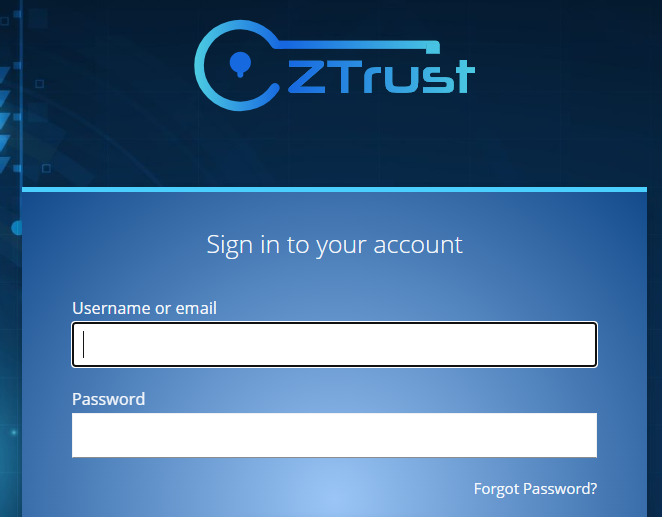
When the toggle button is turned ON, it allows the End user to view the Forgot Password? field. Disabling it removes access to the Forgot Password? button.
#### **Remember Me**
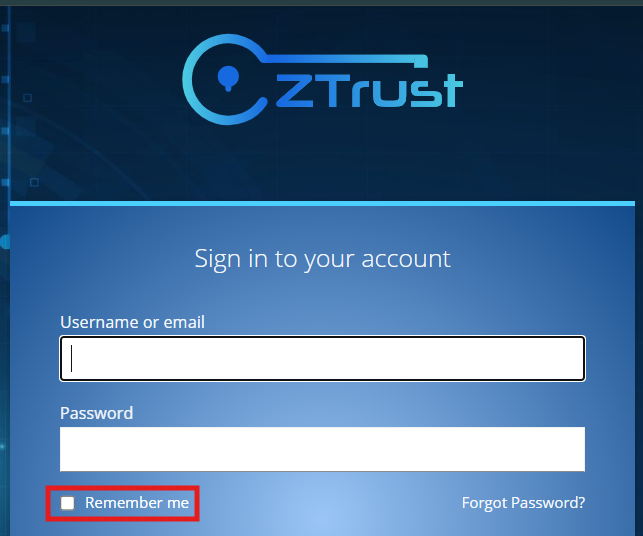
On turning the toggle button ON, it allows users to view the Remember Me button on the login screen.
If turned OFF, the option will not be visible.
#### **Email as username**
When turned ON, users can only log in via Email as shown above.
When turned OFF, users can log in using both Username and email as shown below.
#### **Login with Email**
When turned OFF, the users can log in using only the Username.
When turned ON, users can log in using either the Username or Email.
#### **Duplicate emails**
This is a toggle button, when activated (toggled ON), it allows multiple users to share the same email address.
If turned OFF, users cannot use the same email address.
Changing this setting clears the user cache automatically.
It is advisable to manually update the email constraints for existing users in the database after disabling support for duplicate email addresses.
#### **Verify Email**
When toggled ON, the users are required to verify their email address after initial login or any subsequent address changes.
If turned OFF, it removes the need for email verification.
#### **Edit Username**
This toggle button enables the Admin User to edit the Username field.
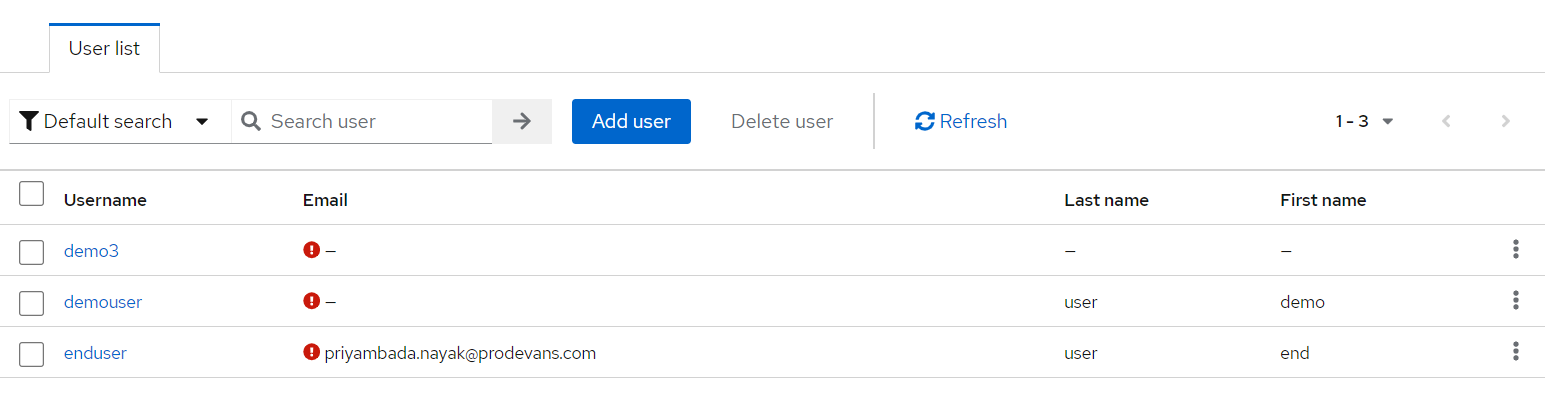
Go to the [Users](https://ztrust.gitbook.io/ztrust-documentation/user-manual-ztrust-v2.0/guide-to-navigation/users) tab.
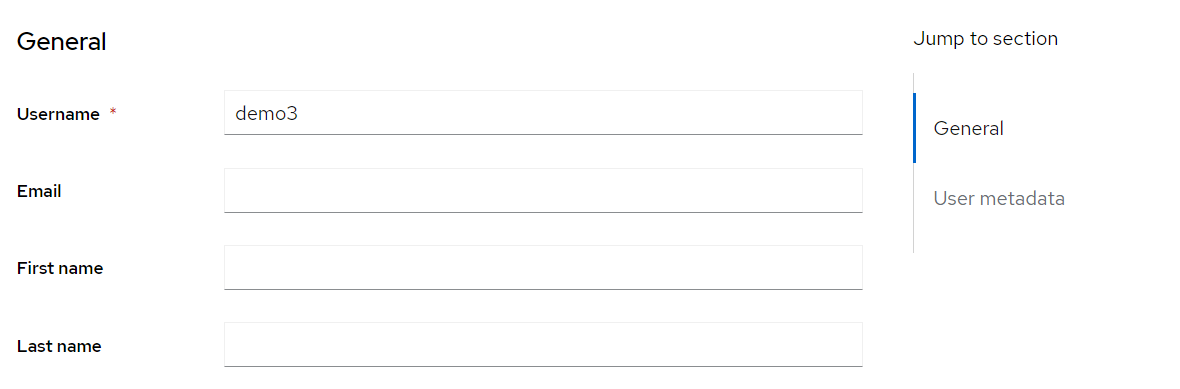
Click on the Username for any user. For example - demo3
When the toggle button is ON, the Username field becomes editable.
If disabled or turned OFF, the Admin User cannot edit this field; it remains visible but as a read-only field.