> For the complete documentation index, see [llms.txt](https://ztrust.gitbook.io/ztrust-documentation/llms.txt). Markdown versions of documentation pages are available by appending `.md` to page URLs; this page is available as [Markdown](https://ztrust.gitbook.io/ztrust-documentation/user-manual-ztrust-v2.0/guide-to-navigation/identity-providers.md).
# Identity Providers
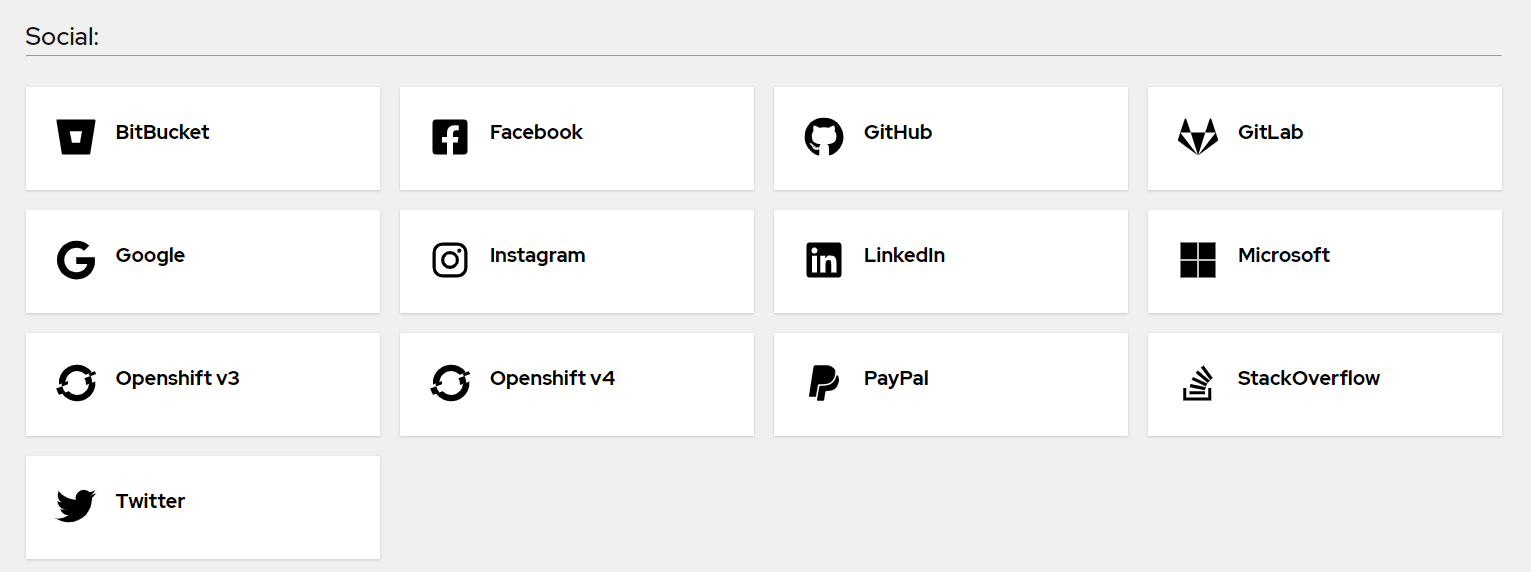
Within this tab, you can add various Identity Providers.
With ZTrust, end users can log in through their preferred social media accounts.
This functionality will be activated upon adding the necessary details within the Identity Providers tab.
To select different Identity Providers, click Add provider and choose the desired option from the dropdown menu.