
Fig. 4.21.a: Navigating to Realm Settings
Fig. 4.21.a: Navigating to Realm Settings

Fig. 4.21.b: Navigating to Localization in Realm Settings

Fig. 4.21.c: Navigating to Realm Settings ⇒ Localization ⇒ Realm Overrides

Fig. 4.21.d: Adding a new translation for enablng/disabling archival of inactive users

Fig. 4.21.e: Adding a new translation for deactivation time

Fig. 4.21.f: Adding a new translation for unit of deactivation time
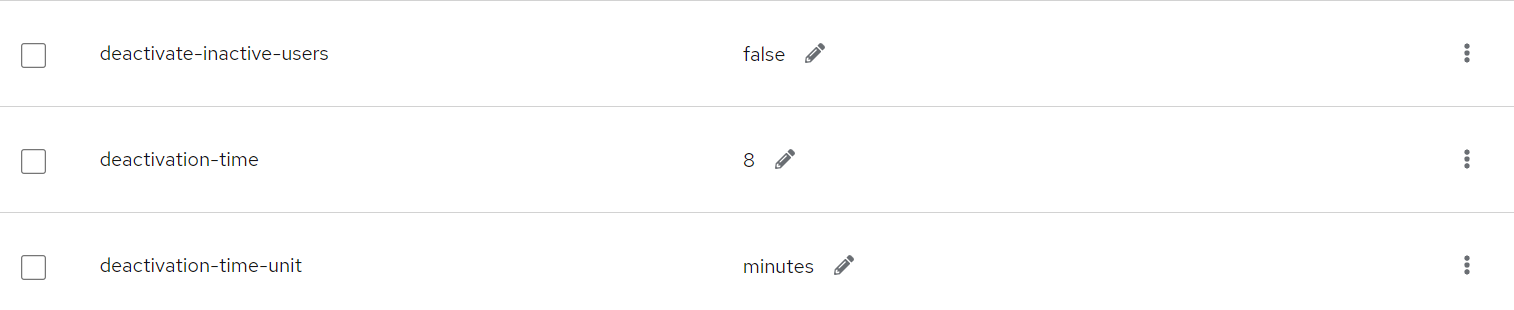
Fig. 4.21.g: Created keys for user archival

Fig. 4.21.h: Keys for user archival

Fig. 4.21.i: Editing the 'deactivate-inactive-users' key

Fig. 4.21.j: Making the 'deactivate-inactive-users' true