> For the complete documentation index, see [llms.txt](https://ztrust.gitbook.io/ztrust-documentation/llms.txt). Markdown versions of documentation pages are available by appending `.md` to page URLs; this page is available as [Markdown](https://ztrust.gitbook.io/ztrust-documentation/user-manual-ztrust-v4.1/4.-admin-manual/4.20-set-up-social-media-login.md).
# 4.20 Set up Social Media login
This feature enables users to log in using their social media accounts like Google, LinkedIn, and GitHub. It also enhances user experience by allowing them to use their preferred social media credentials for login.
**Prerequisite -**
Users should have a Google Cloud Console Account.
To set up the social media login, do the following steps -
1. Login to the ZTrust Admin Console.
2. Go to the Identity Providers tab.
Fig 4.19.a: Navigate to identity providers in side bar
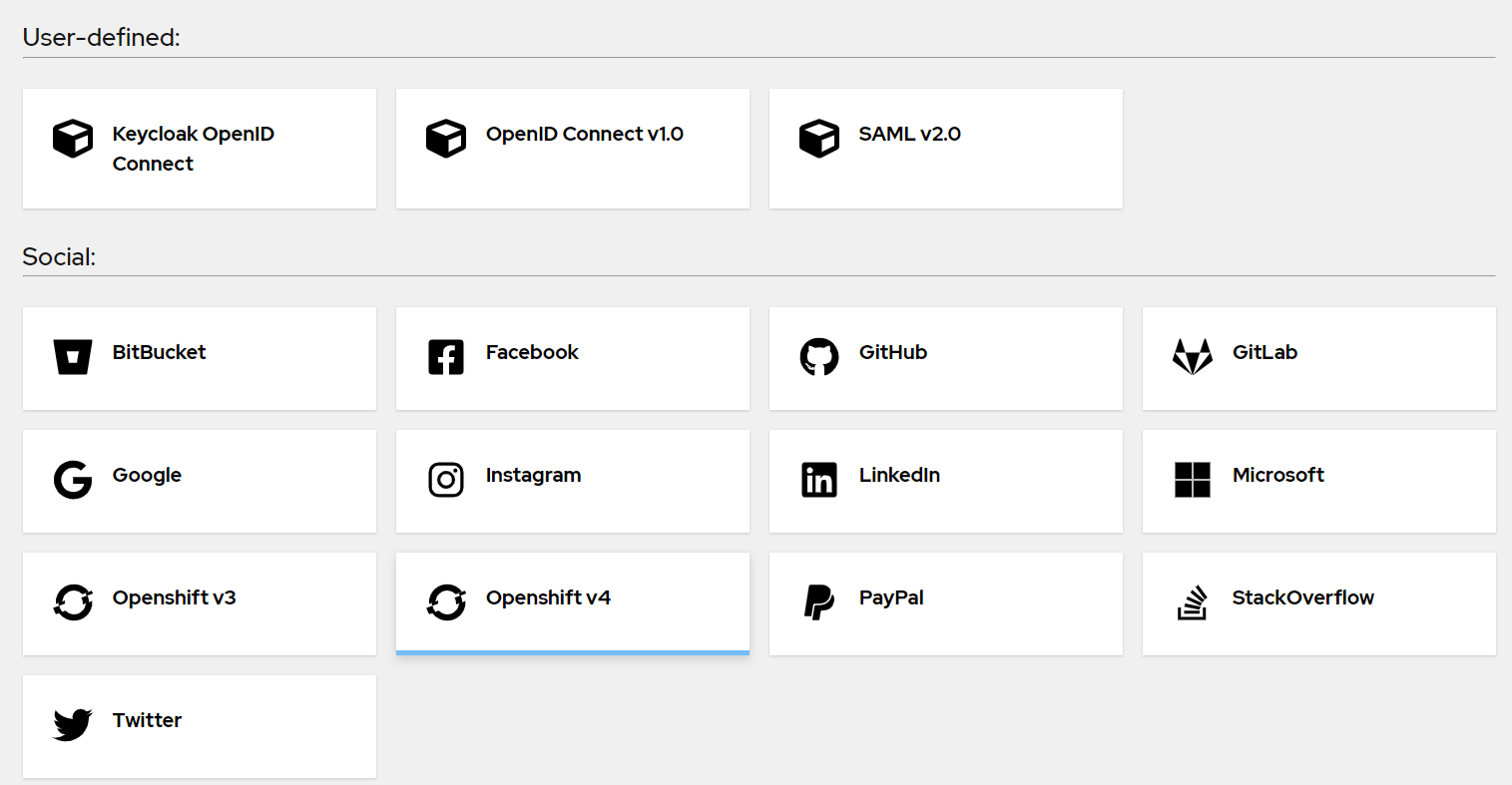
Fig 4.19.b: List of avaliable identity providers
3. Under Social, Click on Google.
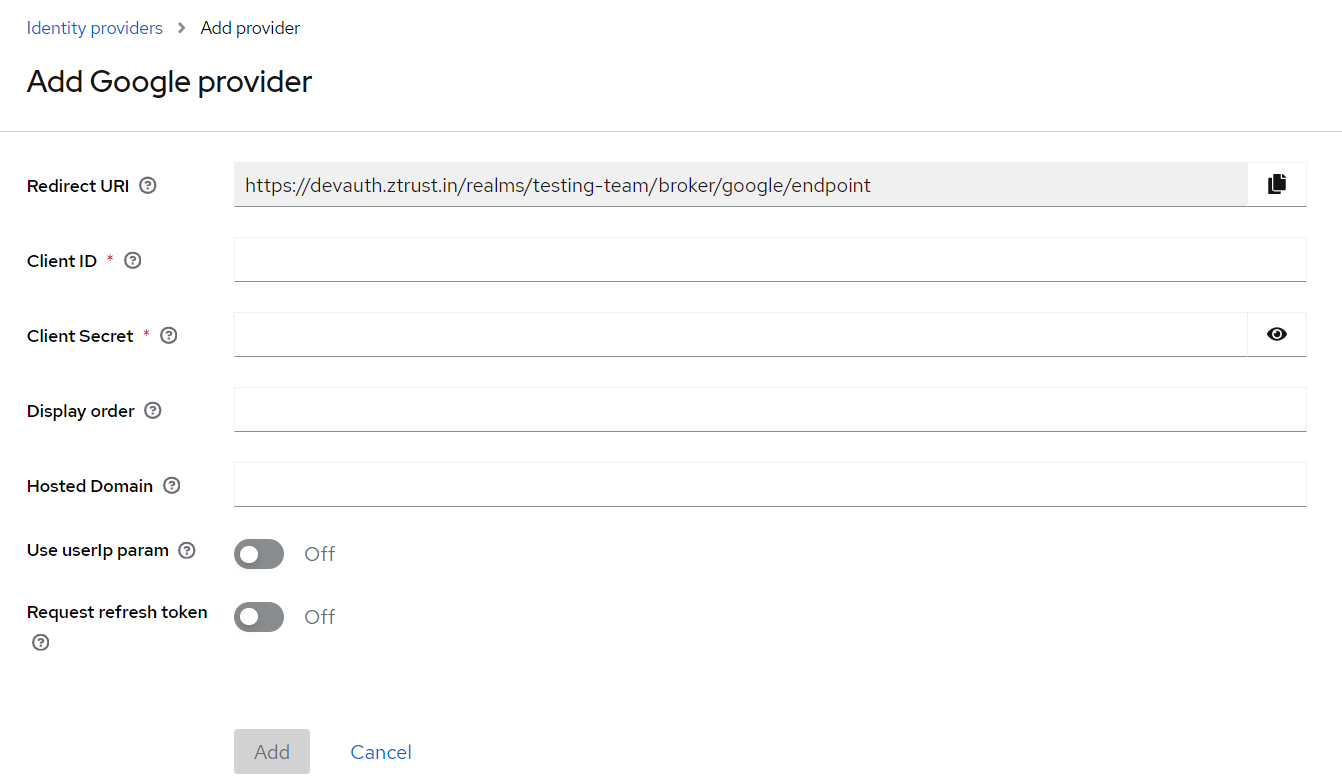
4. Give the Client ID and Client Secret and provide the other details as received from Google Console.