> For the complete documentation index, see [llms.txt](https://ztrust.gitbook.io/ztrust-documentation/llms.txt). Markdown versions of documentation pages are available by appending `.md` to page URLs; this page is available as [Markdown](https://ztrust.gitbook.io/ztrust-documentation/user-manual-ztrust-v4.1/4.-admin-manual/4.12-announcement-feature.md).

# 4.12 Announcement Feature

**ZTrust** comes with a built-in **Announcement feature** that allows administrators to broadcast important updates or information directly to users of specific applications. Announcements can be configured at the **client level**, ensuring that only the relevant users receive them.

For example, if a realm contains 10 applications, administrators can choose to publish announcements for only 2 applications, each with its own tailored message. This provides a centralized and reliable way to share critical changes, system updates, policy modifications, or general notifications in real time—without relying on external communication channels.

By enabling application-specific announcements, ZTrust ensures that users stay informed with the right information at the right time, while giving administrators fine-grained control over communication.

**Configuring the Announcement Feature:**

1. Log in to the ZTrust Admin Console.<br>

   <figure><img src="/files/IiHkb74zIukjNBIHy8Ty" alt=""><figcaption><p>Fig 4.11.a: Master realm</p></figcaption></figure>
2. Select the realm where your application is configured.<br>

   <figure><img src="/files/qyHHv7BVVpBzuC2FzxNd" alt=""><figcaption><p>Fig 4.11.b: Welcome to demo realm</p></figcaption></figure>
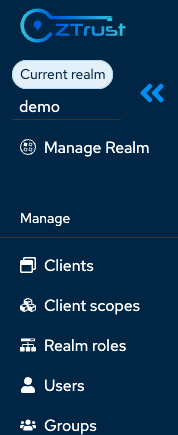
3. From the left **sidebar**, navigate to the **Clients** section.<br>

   <figure><img src="/files/QS6cr56AGHB8QtaAEEpb" alt="" width="134"><figcaption><p>Fig 4.11.c: Choose clients in side bar</p></figcaption></figure>
4. You will see a list of **clients** (applications). Choose the **client** for which you want to configure the Announcement feature.

   <figure><img src="/files/UZGLkoXPo5ODHgL4ntkN" alt=""><figcaption><p>Fig 4.11.d: List of avalible clients</p></figcaption></figure>
5. In the client settings, locate the Announcement option (displayed as the 4th input field).<br>

   <figure><img src="/files/Lm9VSdNNRxkuf5mpPSOV" alt=""><figcaption><p>Fig 4.11.e: Client setting tab</p></figcaption></figure>
6. Enter the desired announcement message in **JSON** format like below<br>

   <figure><img src="/files/IyMvmmV7aNg3dvEGBr94" alt="" width="563"><figcaption><p>Fig 4.11.f: Write in JSON format, in Announcement field</p></figcaption></figure>
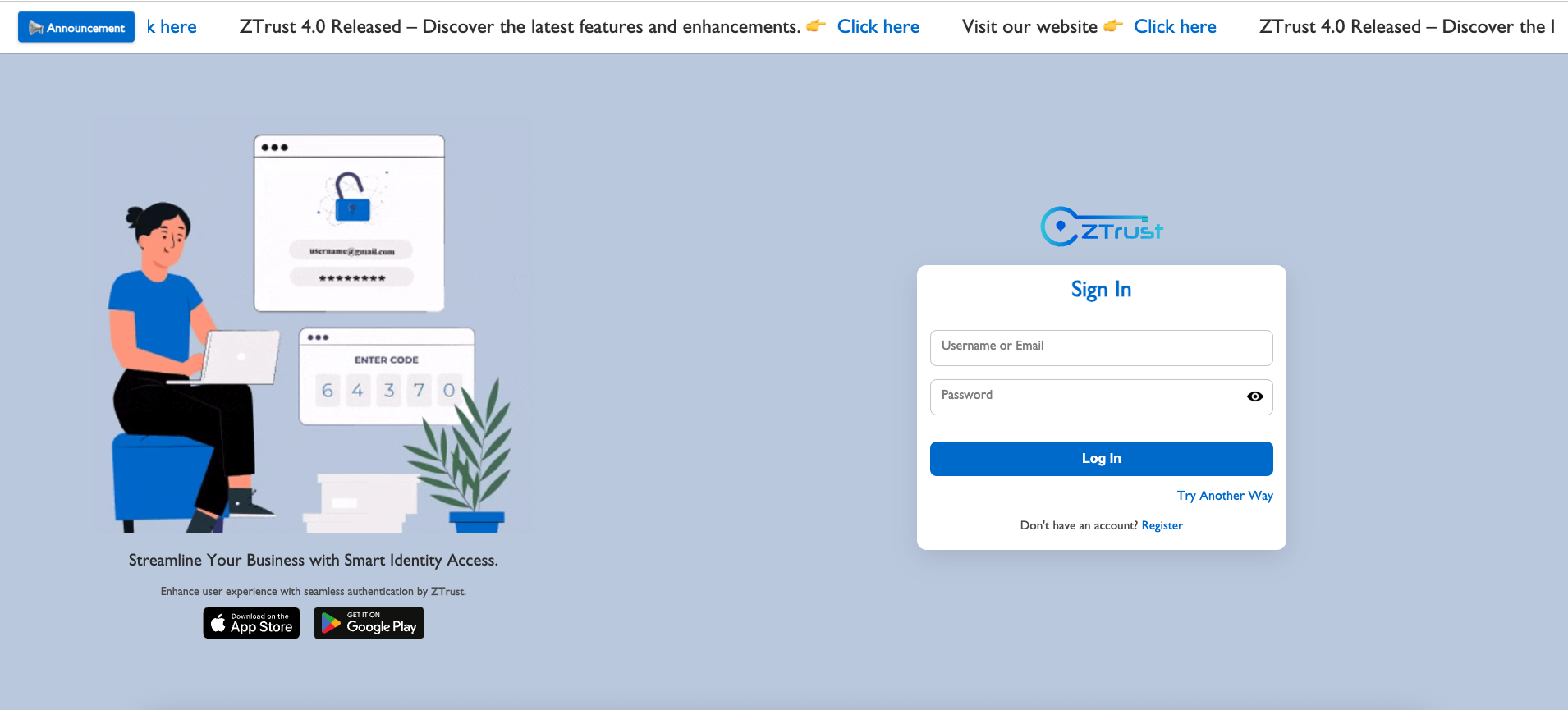
7. **Save** your change&#x73;**.** The announcement will now be displayed at the **top of the login page** for that application.

   <figure><img src="/files/wSh6Ysq9BclgnTD2cPMq" alt=""><figcaption><p>Fig 4.11.g: Login page</p></figcaption></figure>


---

# Agent Instructions
This documentation is published with GitBook. GitBook is the documentation platform designed so that both humans and AI agents can read, navigate, and reason over technical content effectively. Learn more at gitbook.com.

## Querying This Documentation
If you need additional information that is not directly available in this page, you can query the documentation dynamically by asking a question.

Perform an HTTP GET request on the current page URL with the `ask` query parameter, and the optional `goal` query parameter:

```
GET https://ztrust.gitbook.io/ztrust-documentation/user-manual-ztrust-v4.1/4.-admin-manual/4.12-announcement-feature.md?ask=<question>&goal=<endgoal>
```

`ask` is the immediate question: it should be specific, self-contained, and written in natural language.
`goal` is optional and describes the broader end goal you are ultimately trying to accomplish on behalf of the user. GitBook uses it to tailor the answer towards what is most useful for that goal.

The response will contain a direct answer to the question and relevant excerpts and sources from the documentation.

Use this mechanism when the answer is not explicitly present in the current page, you need clarification or additional context, or you want to retrieve related documentation sections.